On this page
FlowSend sends Shopify Flow emails from your own domain, through your own mail server. This update makes that faster to set up, harder to break, and easier to measure. Here's everything new.
1. One-click Gmail and Outlook
No more app passwords or SMTP hosts. Select Connect Gmail or Connect Outlook, sign in, and you're sending. Gmail uses send-only access, and Microsoft 365 goes through Microsoft Graph, so it works even where basic SMTP sign-in is disabled.
Read more →
2. Backup servers with automatic failover
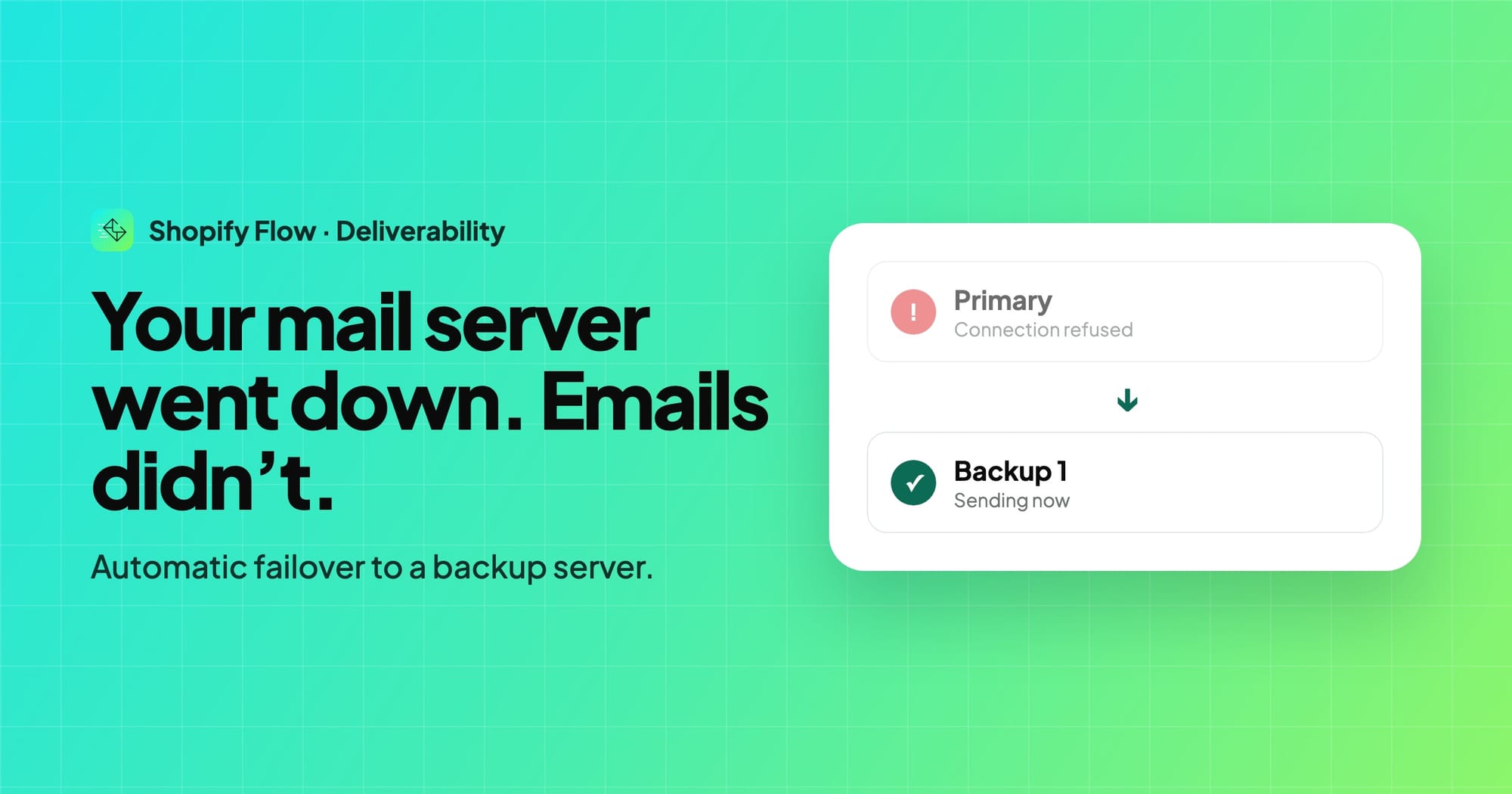
Save more than one mail connection. If your primary fails, FlowSend switches to the backup automatically, and the dashboard tells you it happened. Advanced includes 3 connections, Enterprise unlimited.
Read more →
3. Opens, clicks and revenue
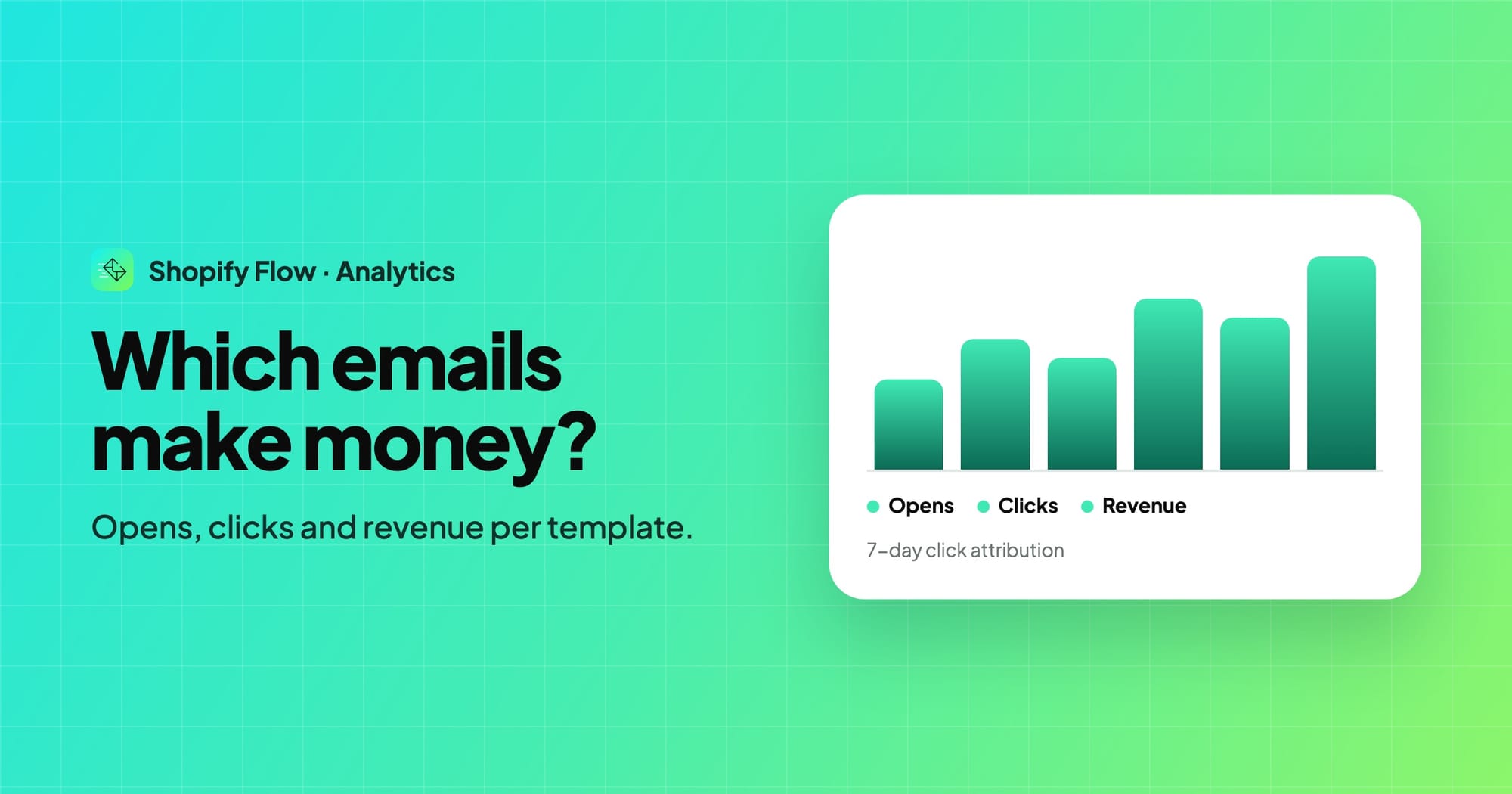
See which emails customers open and click, and which lead to orders: per email, per template, with a 7-day click attribution window.
Read more →
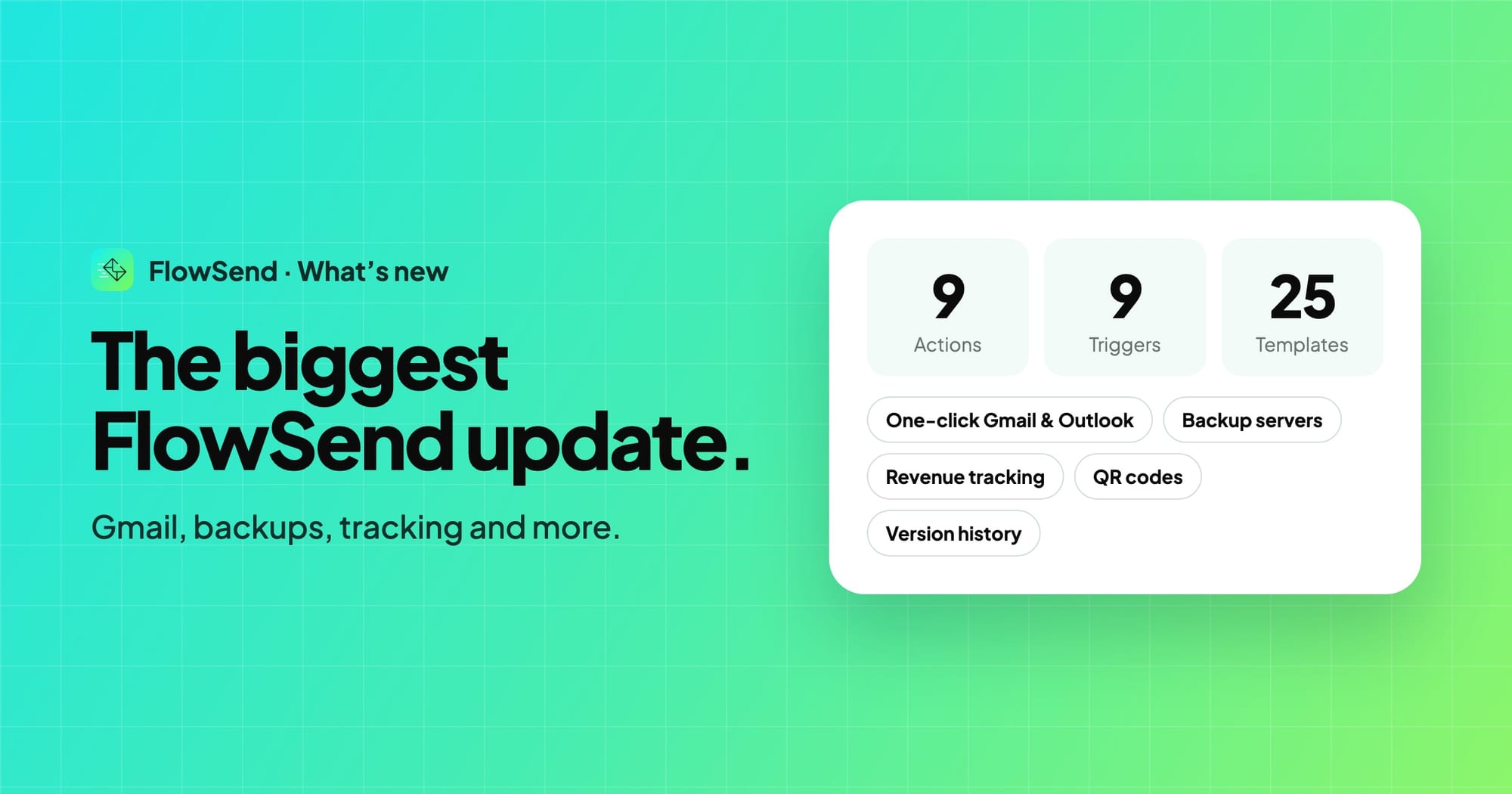
4. 9 Flow actions, 9 triggers, 25 templates
Actions: Send Transactional Email, Send Email with CC/BCC, Send Email with Attachment, Send Email with Dynamic Attachment, Send Delayed Email, Cancel Delayed Email, Send Bulk Email, Send Internal Alert and Retry Failed Email.
Triggers: Email Queued, Delivered, Retry Scheduled, Failed, Bounced, Attachment Fetch Failed, Delayed Email Cancelled, Usage Limit Reached and Monthly Quota Reset. Your workflows can now react to what happened to an email.
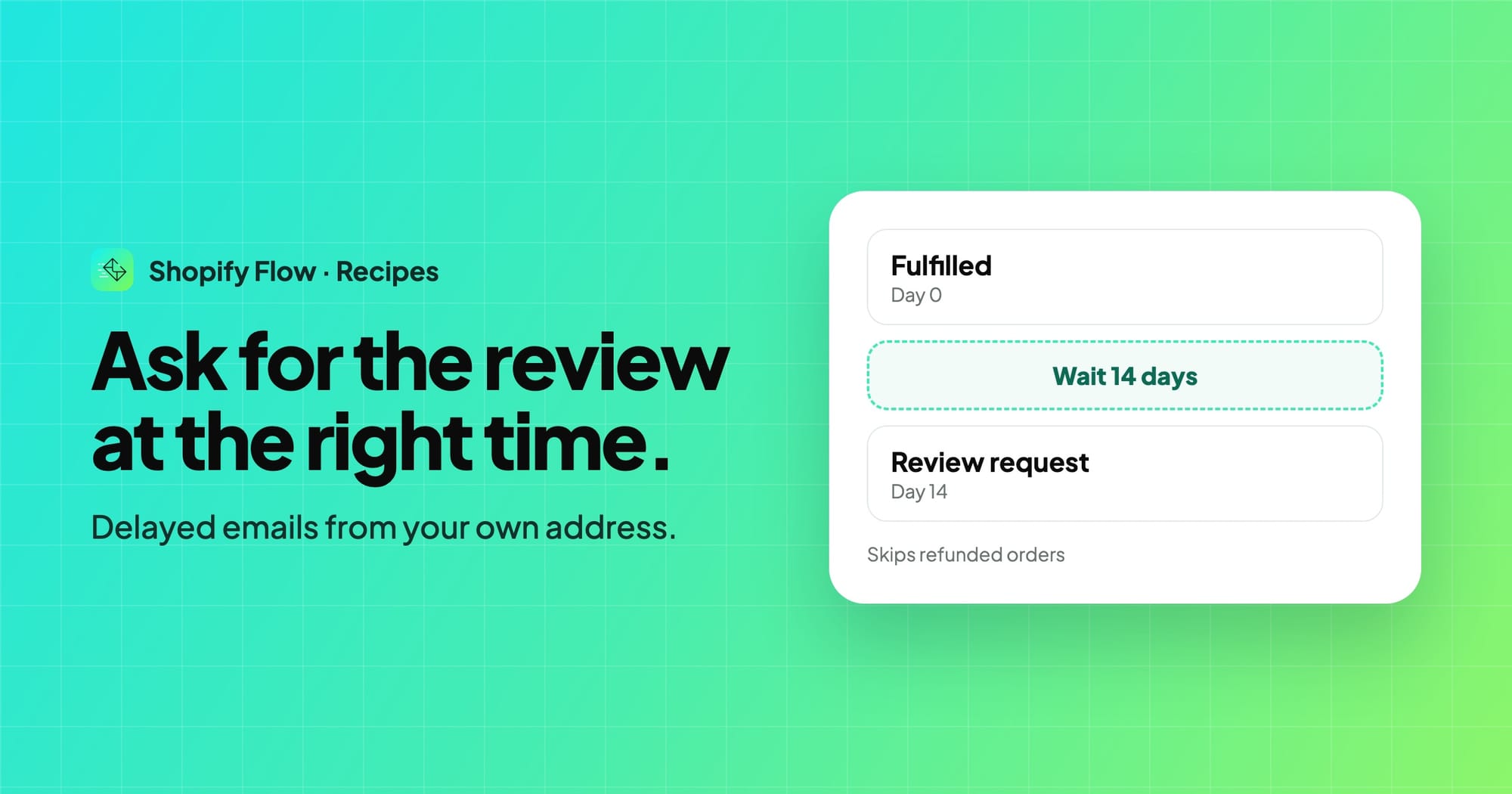
25 ready-made Flow templates cover order confirmations with invoice PDFs, shipping notifications, review requests, abandoned checkouts, VIP and wholesale emails, team alerts, and failed-email alerts and retries.
See them all →
5. Failed and bounced email alerts
Because failures are now Flow triggers, you can alert your team, tag the customer or retry automatically the moment an email doesn't land.
Read more →
6. Better templates
- Version history: the last 30 versions of every template, restorable in a click.
- QR code blocks: add a QR code to any email, for example a tracking link, a reorder page or a pickup code.
- Shopify Sidekick: ask Sidekick to create or edit a FlowSend email template for you.
7. More providers
New presets for Mailtrap and Moosend, alongside Gmail, Outlook, Amazon SES, SendGrid, Brevo, Mailgun, Postmark and any SMTP server.
Mailtrap setup → · Moosend setup →
Pricing
| Plan | Price | Emails a month | Connections |
|---|---|---|---|
| Professional | $9.99/mo | 500 | 1 |
| Advanced | $29.99/mo | 2,500 | 3 |
| Enterprise | $49.99/mo or $499.90/yr | Unlimited | Unlimited |
Extra emails are $1 per 100, and new stores get a 500-email bonus.
Where to start
- Connect Gmail or Outlook in one click.
- Turn on the "Alert shop owner when email delivery fails" Flow template.
- Add a backup server if you're on Advanced or Enterprise.
- Check Template performance in a week.
Install FlowSend on Shopify → · Browse 9 Flow email recipes →