On this page
Most Shopify stores already have a mailbox they trust: [email protected] on Google Workspace or Microsoft 365. Sending your Shopify Flow emails from it means customers see a familiar sender, replies land in your inbox, and the messages carry your domain's reputation.
The old way to do that was SMTP: find the host, pick a port, turn on 2-step verification, generate an app password, paste it somewhere, and hope your IT admin hasn't disabled it. FlowSend still supports all of that, but you don't need it any more.
One click for Gmail and Outlook
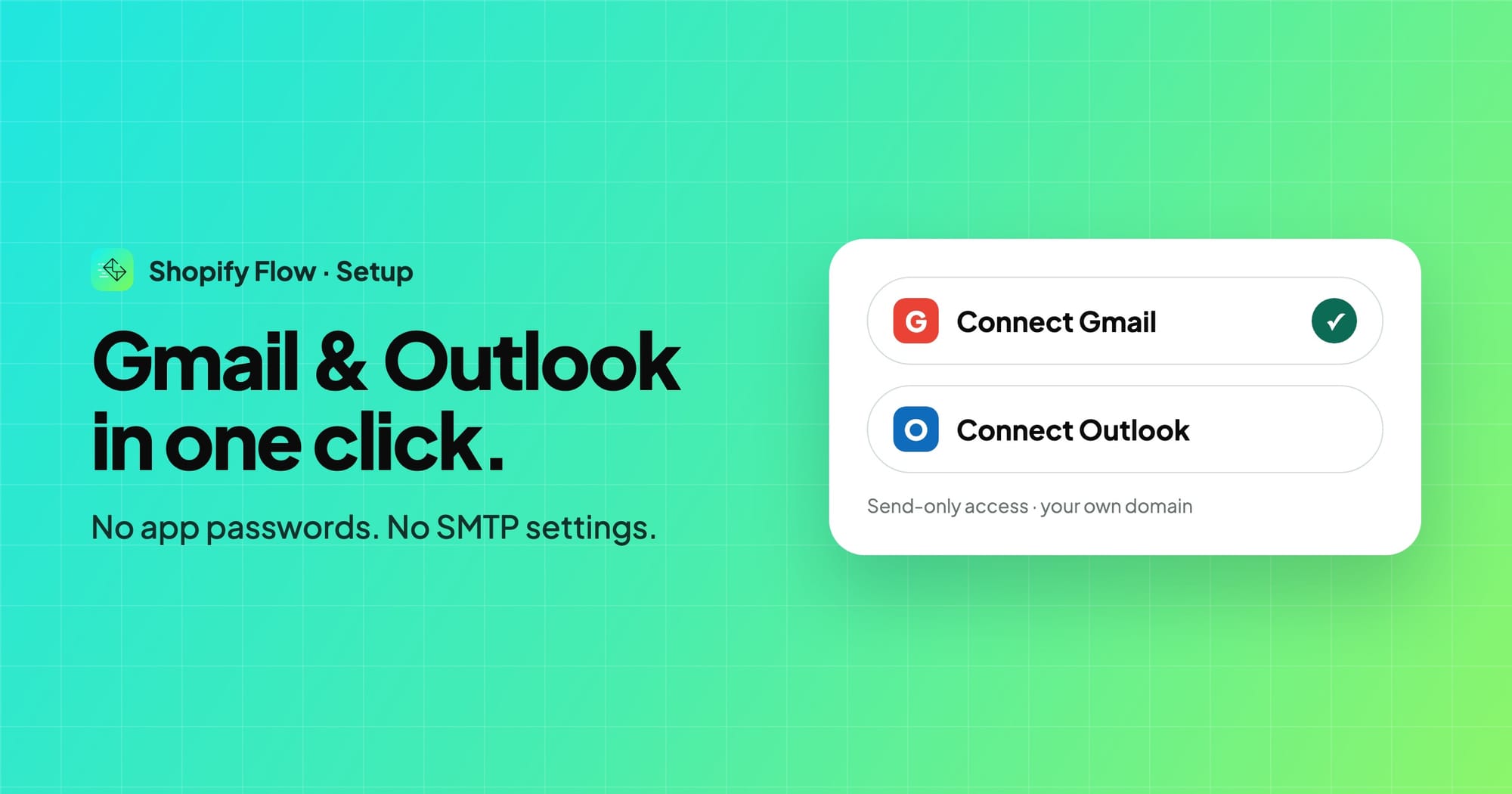
In FlowSend Settings, choose Connect Gmail or Connect Outlook. You sign in with Google or Microsoft, approve access, and you're done.
- Gmail and Google Workspace connect through the Gmail API with send-only permission. FlowSend can send email as you. It can't read your inbox.
- Outlook, Hotmail and Microsoft 365 connect through Microsoft Graph, Microsoft's modern sending route.
- No host, port or password to type. Nothing breaks when you change your password.
Then select Send test email, and add FlowSend's Send Transactional Email action to any Shopify Flow workflow.
Why this beats an app password
| App password (SMTP) | One-click sign-in | |
|---|---|---|
| Setup | 2-step verification, generate password, enter host and port | One sign-in |
| Breaks when | You change your password, or an admin disables app passwords | You revoke access yourself |
| Microsoft 365 | Basic SMTP auth is often disabled by default | Works through Graph |
| Access | Full mailbox login | Send only (Gmail) |
Sending limits to know about
Your provider's limits still apply. Google Workspace allows around 2,000 messages a day per user, and personal Gmail far fewer. For a store sending a lot of order and shipping emails, pair your mailbox with a dedicated provider:
- Keep Gmail or Outlook for personal, reply-worthy emails (VIP thank-yous, B2B invoices).
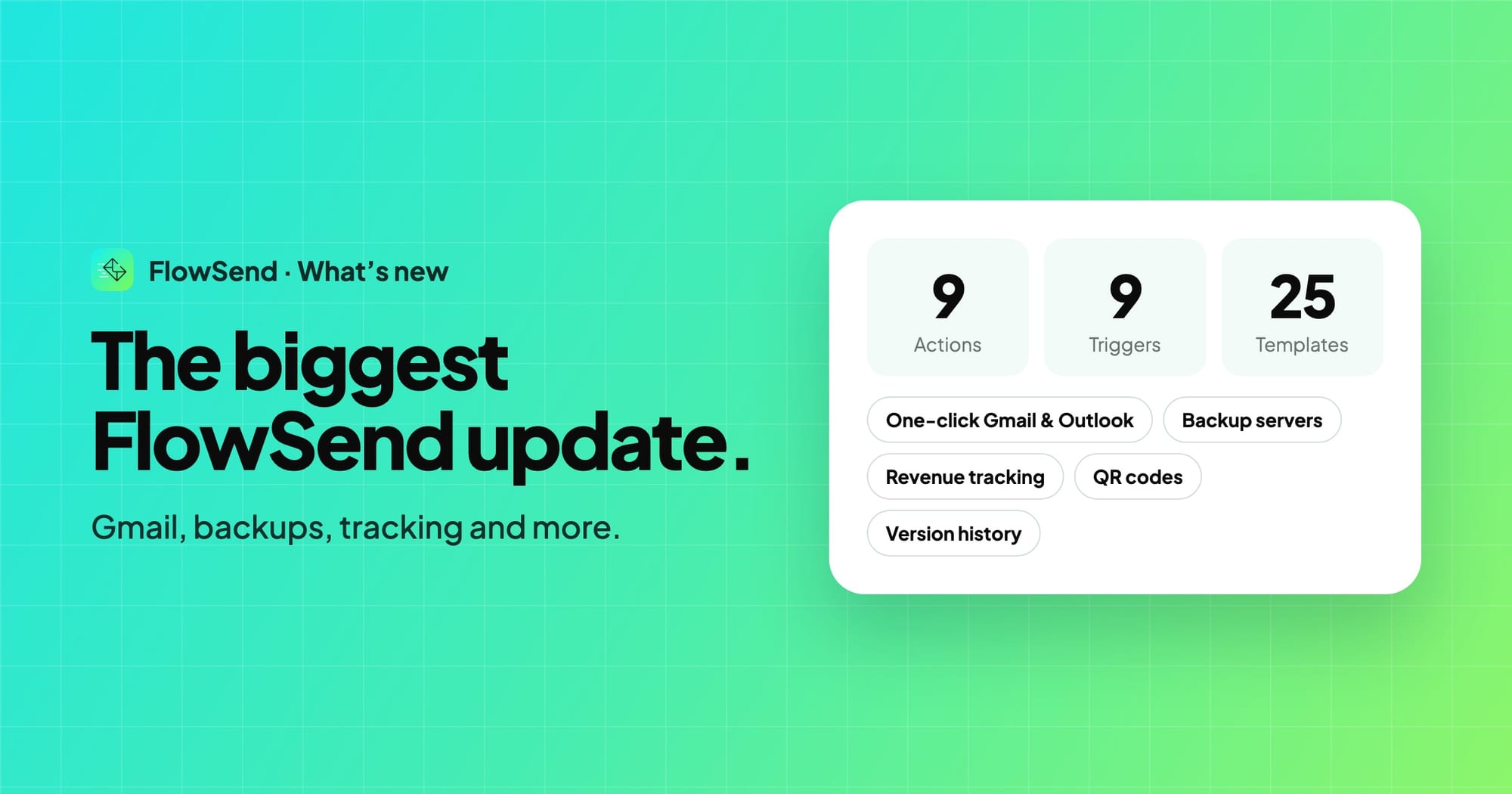
- Add Amazon SES, SendGrid, Brevo, Mailgun, Postmark, Mailtrap or Moosend as a second connection, or as a backup server.
Prefer SMTP anyway?
That's fine. Manual SMTP is still there, with presets that fill in the host and port for you. The setup guides cover each one:
Try it
FlowSend starts at $9.99 a month, and new stores get a 500-email bonus. Install it, select Connect Gmail, and send your first Flow email in under five minutes.